
Students need websites for a lot more than coding class assignments these days.
Portfolios, school projects, personal resumes, freelance work, photography galleries, small businesses, blogs, final-year projects, and personal brands all benefit from a real website instead of a PDF or a slide deck. Traditional website building usually means learning code, handling design, and figuring out hosting before anything goes live.
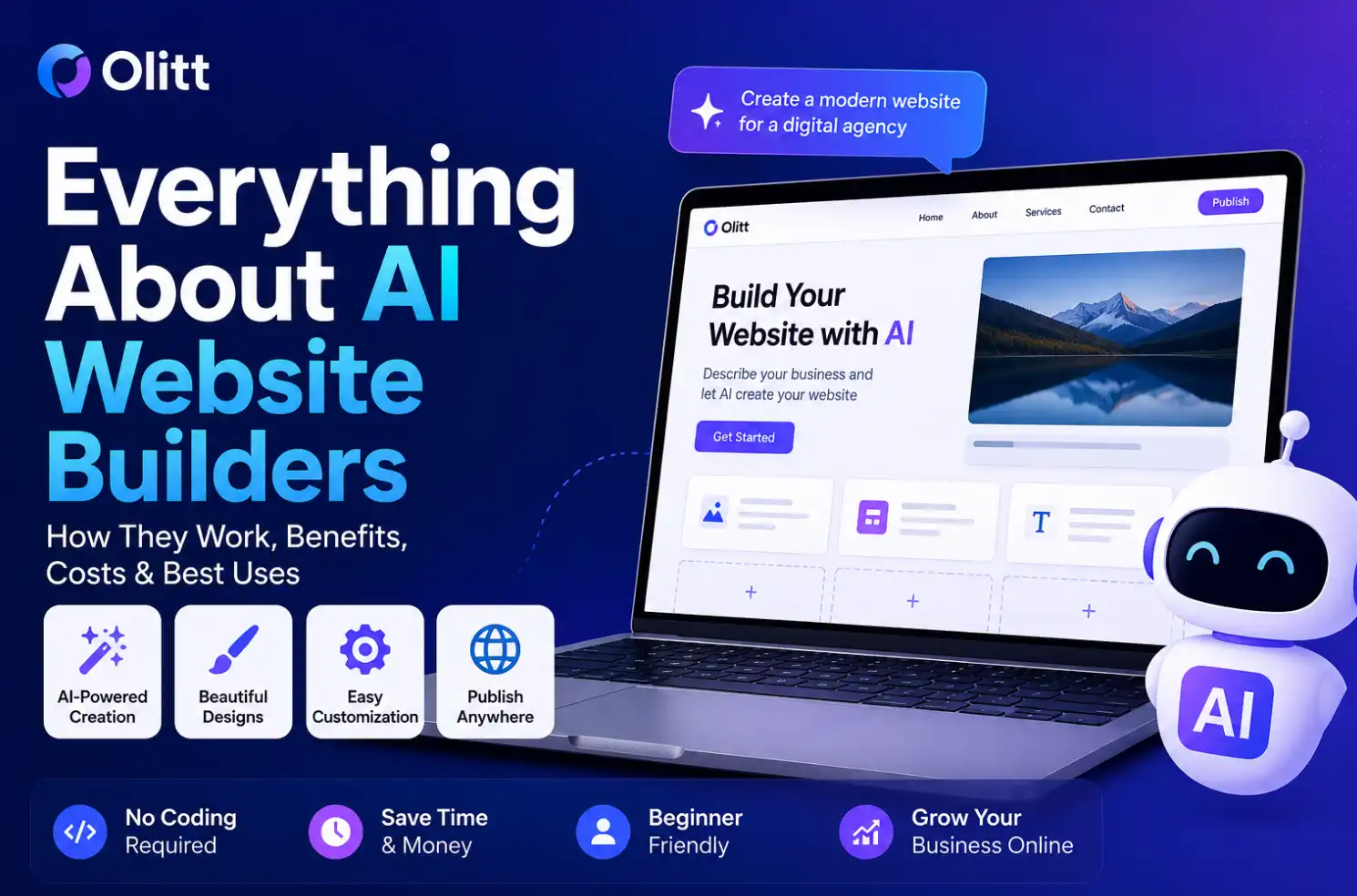
An AI website builder for students skips most of that. You describe what you need, the AI builds a starting point, and you edit from there. If you want the fuller picture of how these platforms work in general, our guide to everything about AI website builders covers that in depth. Olitt is one example of a platform that lets students create a website this way, without needing advanced coding skills first.
What Is an AI Website Builder for Students?
An AI website builder uses artificial intelligence to help create the structure, content, design, and layout of a website based on instructions from the user.
A student could describe a portfolio website for an Information Technology student specializing in software development, and the AI would generate an initial structure built around that description. From there, the student edits the result instead of building every page from scratch.
Why Students Are Using AI Website Builders
1) You Don’t Need Advanced Coding Skills
Students can create a working website without being experts in HTML, CSS, JavaScript, or any other web technology.
2) It Saves Time
Generating an initial website takes minutes, compared to the hours it takes to design every page manually from a blank canvas.
3) It Helps With Design
Students who are not confident designers can use AI-generated layouts as a solid starting point instead of guessing at spacing and color choices.
4) It Makes Projects Easier to Present
A real website makes a school project, portfolio, or personal project noticeably easier to showcase than a static document ever could.
Best Ways Students Can Use an AI Website Builder
This is where the format really pays off, since it covers such a wide range of student needs.
Student portfolio website Showcase skills, projects, certificates, education, achievements, and contact information in one organized place.
Personal resume website Turn a CV into an online portfolio that employers can open through a single shared link.
School and university projects Build websites for assignments, research projects, presentations, and demonstrations that go beyond a printed report.
Final-year project Present a final-year project properly, including its objectives, features, screenshots, and results in one accessible place.
Freelancing website Students offering graphic design, programming, writing, video editing, or photography services can use a website to attract clients directly.
Student business A student running a small online business can showcase products or services without building a full storefront from scratch.
Blog Students can write about technology, fashion, education, sports, travel, or whatever interest they want to build an audience around.
How to Create a Student Website With Olitt

- Describe your website. Tell Olitt what type of website you want, such as a modern portfolio for a computer science student looking for an internship.
- Let AI generate the website. Olitt uses that description to create an initial structure and design.
- Customize the website, adjusting text, images, sections, colors, fonts, and contact information to fit you.
- Add your student information, including your real name, course, university, skills, projects, certifications, achievements, and contact details.
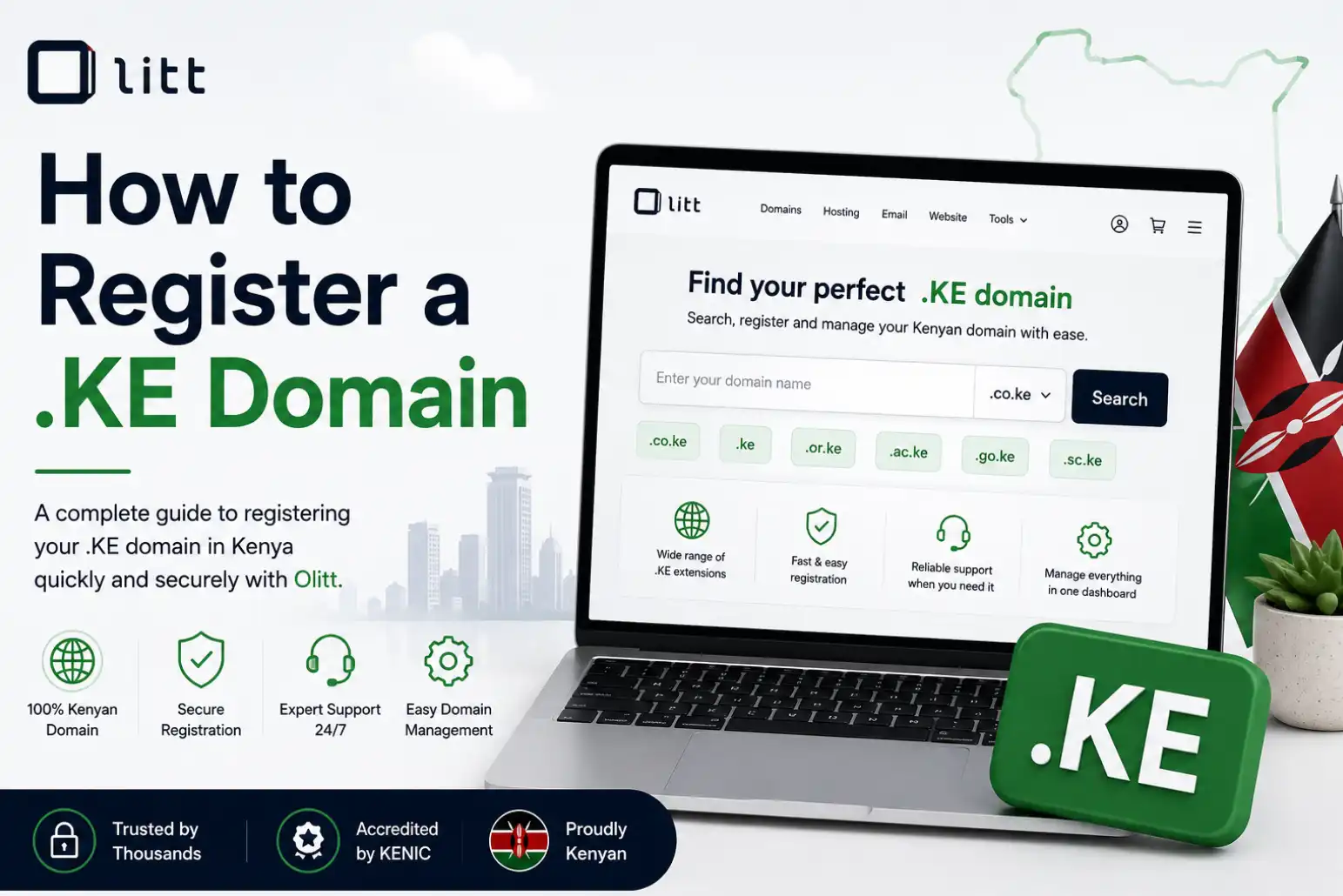
- Connect a domain so your site is easier to share than a long, awkward default web address. Olitt’s domain search tool lets you register one directly during setup, often at a low starting price that fits a student budget.
- Publish your website and share the link with lecturers, classmates, internship recruiters, employers, or clients.
What Should a Student Put on Their Website?
A strong student website usually covers the same core sections.
- About Me: a short introduction explaining who you are and what you study.
- Skills: relevant technical and professional skills, listed clearly.
- Projects: real work like a React project, a mobile app, a database project, or a final-year project, not just a list of technologies.
- Education: your university, course, relevant training, and certifications.
- Resume: a downloadable CV if that fits your goals.
- Contact: an email address or a simple contact form.
- Social links: relevant profiles like GitHub for code or LinkedIn for professional networking.
What Makes Olitt Useful for Students?
A few specific features make Olitt a practical fit for student projects.
- AI-assisted website creation from a simple description.
- A beginner-friendly building process with no coding required.
- Customizable designs you can adjust after generation.
- Domain registration in the same platform.
- Website publishing once you are ready to share it.
- Support for building several different types of websites, from portfolios to small businesses.
Having the website builder and domain tools in one place removes a step most students would otherwise have to figure out separately.
Tips for Creating a Better Student Website With AI
A few habits separate a strong AI-generated student site from a generic one.
Give AI a detailed prompt Instead of a vague request, describe a modern portfolio for a third-year IT student specializing in software development, including About Me, Skills, Projects, Education, Certifications, and Contact sections.
Use your own information Do not leave generic AI-generated placeholder text sitting on your published site.
Show real projects Actual work makes a student portfolio far more convincing than a list of skills alone.
Keep the design simple Avoid overcrowding the site with unnecessary animations or sections that distract from the content.
Make it mobile-friendly Many recruiters and classmates will open your link from a phone, so check how it looks there.
Proofread AI-generated content AI-generated text can contain mistakes or generic phrasing, so review everything carefully before publishing.
Frequently Asked Questions
What is the best AI website builder for students? The best choice depends on your needs, budget, and technical experience, but beginner-friendly platforms like Olitt make the process easier for students without a coding background.
Can students build a website without coding? Yes. AI website builders let students create websites using prompts and visual editing instead of writing all the code themselves.
Can I use an AI website builder for my student portfolio? Yes. You can create dedicated sections for your skills, projects, education, certificates, resume, and contact information.
Is Olitt good for student websites? Olitt works well for students who want to create a website quickly while also having access to domain and website-building tools in the same place.
Can I create a website for a school project with AI? Yes. Students use AI website builders to create project presentations, portfolios, research websites, and other educational sites.
Ready to Build Your Student Website?
Whether you’re creating a student portfolio, university project, resume website, or online business, you don’t have to start from scratch.
With Olitt’s AI Website Builder, you can turn your idea into a professional website quickly and easily even without advanced coding skills.
Start building your student website with Olitt today and turn your ideas into a website you can proudly share.