
To Buy a .KE Domain one is easy. Choosing the right one takes a bit more thought than most guides let on. The cheapest advertised price is not always the best deal once you look past the first invoice, and a few other details count just as much as the number on the checkout screen.
This guide walks through what to actually check before you buy a .KE domain. Olitt is one option worth checking along the way, but the goal here is to help you buy smart, not just to make a pitch.
.KE Domain Cost
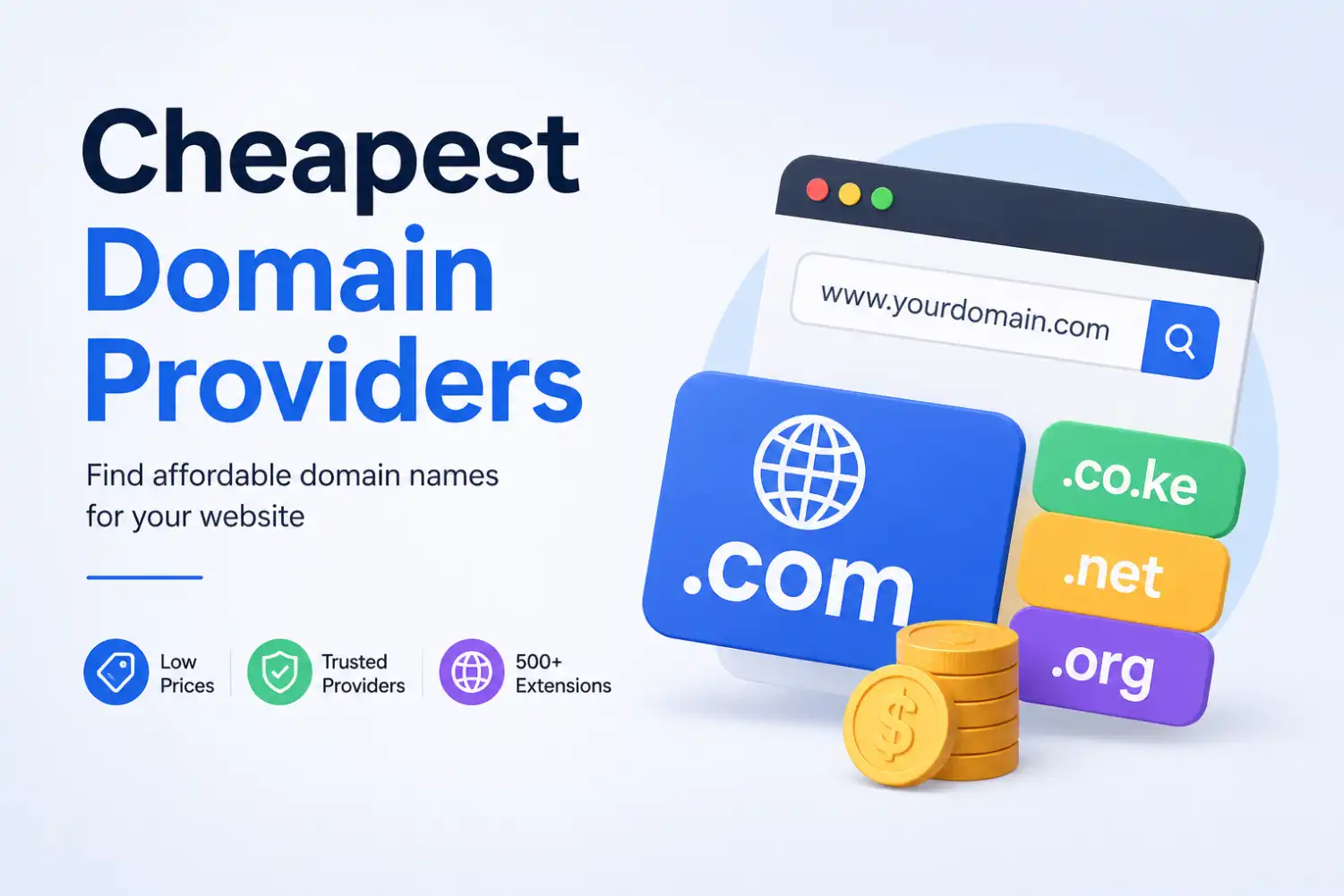
A .co.ke domain typically ranges first-year price somewhere between KES 297 and 600, with renewal usually landing between KES 1,000 and 2,500 depending on the registrar. A direct .ke domain costs noticeably more, often starting around KES 3,000 to 3,500 for the first year, sometimes quoted in dollars at roughly $3.99 and up. Pricing across registrars, including Olitt’s own published pages, has varied within these ranges over the past year.
1. Decide Which .KE Extension You Actually Need
Kenya’s domain system covers more than just .co.ke, and picking the right one shapes how your site gets perceived.
| Extension | Best For |
| .co.ke | Businesses and commercial brands |
| .ke | Short, modern brands |
| .or.ke | Organizations and nonprofits |
| .me.ke | Personal brands |
| .ac.ke | Academic institutions |
| .sc.ke | Schools |
| .go.ke | Government institutions |
Most commercial businesses register .co.ke, since it is the extension Kenyan customers recognize most readily. A direct .ke domain suits brands that want something shorter and more modern, provided the higher price fits the budget. Restricted extensions like .go.ke, .ac.ke, and .sc.ke require proof that your organization actually qualifies, so factor in a bit of extra paperwork if one of those fits your situation.
2. Check What You Get With the Domain
Before paying, check whether the registrar includes:
- DNS management you can actually access and edit.
- Domain management tools in a clear, usable dashboard.
- Email options, or at least compatibility with your preferred email provider.
- Privacy features where applicable, since WHOIS privacy is not automatic on .KE domains the way it is on some other extensions.
- Customer support you can reach when something goes wrong.
- A straightforward way to connect the domain to your website.
- Full account access and control over the domain itself.
- Any additional services bundled into the purchase, like a free SSL certificate.
Two domains with similar prices may not provide exactly the same services or management experience, so this step is worth a few extra minutes before you commit.
Ask directly if anything on this list is unclear from the registrar’s pricing page. A registrar that answers clearly before you pay is usually a good sign of the support you can expect after you pay too.
3. Buy the Domain Before Building Your Website
Securing your domain first protects you from a genuinely painful mistake.
Picture a business that decides to build its entire brand around NairobiFreshBites.co.ke. They design a logo, build a full website, and set up social media pages around that name, only to discover the domain was already registered by someone else the whole time.
The better order is simple: choose a name, check availability, register the domain, then build the website. Once the domain is secured, a platform like Olitt’s AI website builder lets you design the site around a name you already own, rather than designing everything first and hoping the domain is still free.

4. What If the .CO.KE Name You Want Is Already Taken?
A taken domain is not the end of the road.
- Try a close variation of your original name.
- Consider a shorter version that still represents your brand clearly.
- Look at a direct .ke domain instead, if the budget allows.
- Consider another relevant extension, like .me.ke for a personal brand.
- If the name is genuinely valuable to your business, look into whether the current owner is open to selling it.
If you want a fuller walkthrough of the registration process itself once you have settled on a name, our guide to registering a .KE domain covers that step by step.
5. The 10-Point .KE Domain Buying Checklist
Run through this list before you pay for anything.
- Is the domain name available?
- Is the spelling correct, with no typos in your cart?
- Is .co.ke, .ke, or another extension the right fit?
- Is the first-year price clearly shown before checkout?
- Are there additional charges beyond the listed price?
- Do you know exactly what services are included?
- Will you have full control of the domain after purchase?
- Can you easily manage the DNS yourself?
- Can you connect the domain to your website without extra hurdles?
- Have you checked the registrar’s terms and support options?
Save this list or screenshot it before you start comparing registrars, so you are not making decisions from memory at checkout.
Frequently Asked Questions
How much does it cost to buy a .KE domain?
The cost varies depending on the extension and registrar, so compare both the registration price and the renewal cost before deciding, not just the first number you see.
Where can I buy a .KE domain in Kenya?
You can buy one through accredited Kenyan domain registrars such as Olitt, which offers both .co.ke and direct .ke registration.
What is the difference between .KE and .CO.KE?
.KE is the shorter, direct country-code domain, while .CO.KE is the extension most commonly used by businesses and commercial brands in Kenya.
Can I buy a .KE domain without having a website?
Yes. You can register the domain first and build the website later, which is actually the safer order to avoid losing a name you have already built a brand around.
What should I check before buying a .KE domain?
Check availability, the registration price, the renewal cost, what services are included, how much control you get over domain management, and whether the extension actually suits your brand.
Ready to Buy Your .KE Domain?
Found the perfect domain name? Don’t wait until someone else registers it.
Search for your preferred .KE or .co.ke domain on Olitt, secure your name, and start building your online presence before the decision gets made for you.

Sources: KENIC official site, ICANN, Business Registration Service, Kenya